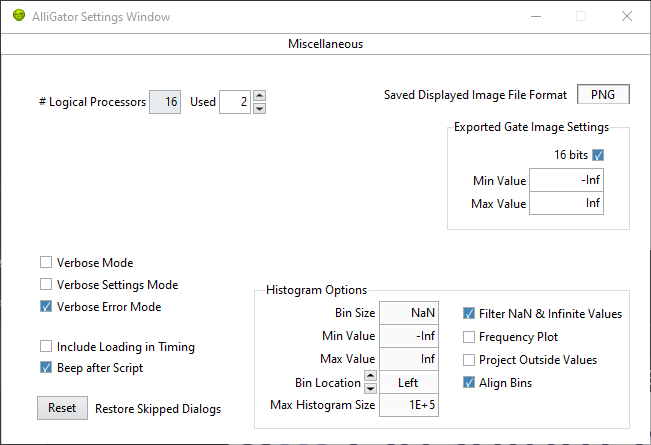
Settings Window
The Settings window can be opened via the Windows:Show Settings menu item (Ctrl+E shortcut) in the main AlliGator window.
It is comprised of multiple pages and sub-pages, which can be accessed via the top page selector:
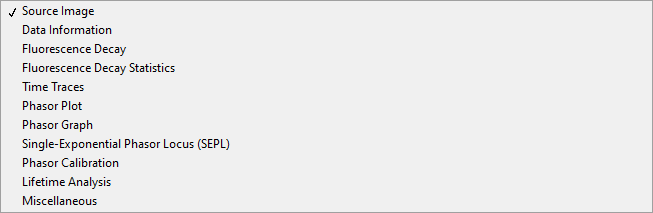
The different pages are described in the sections below. Note that any value change done in the Settings window immediately takes effect and is reflected in the corresponding AlliGator window control (if there is one).
Inversely, any change to a control in the AlliGator window is immediately reflected in the Settings window.
The value of the Settings controls are saved when AlliGator quits, and reloaded when it is restarted.
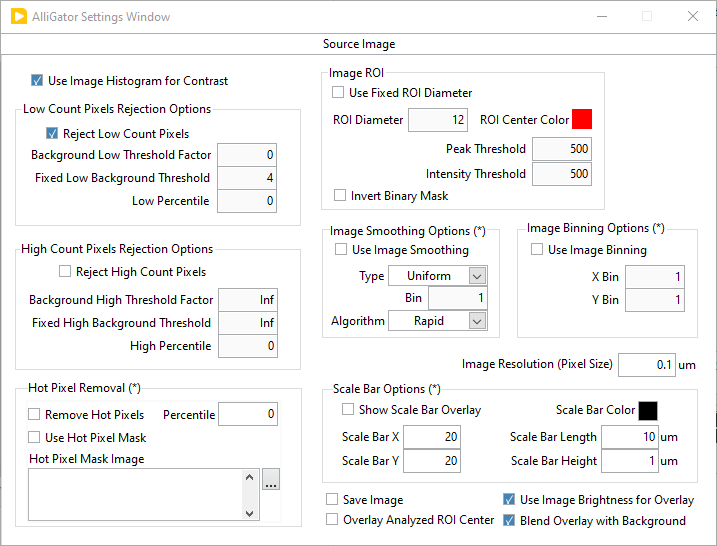
Source Image
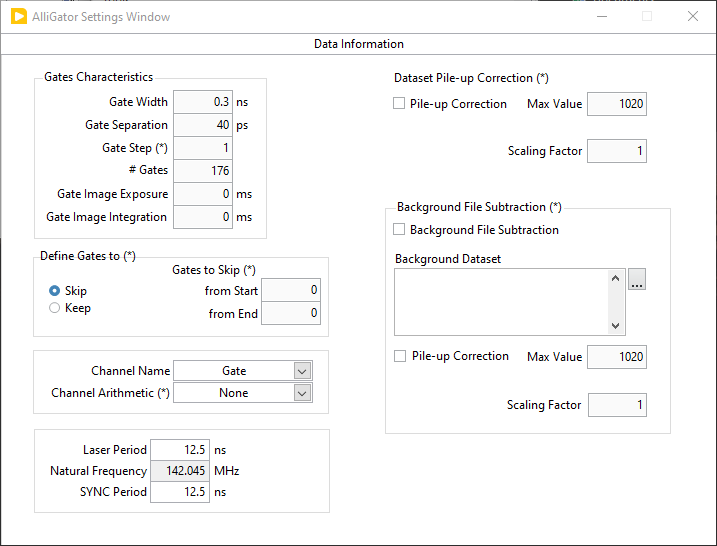
Data Information
Fluorescence Decay
Decay Pre-Processing
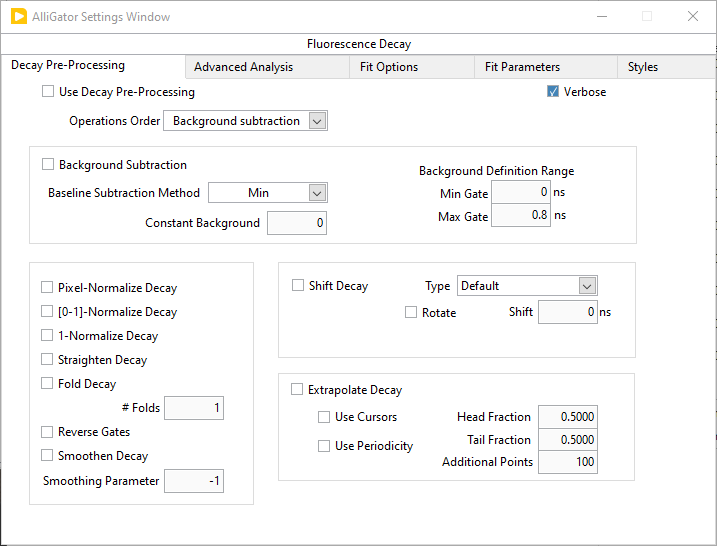
Advanced Analysis
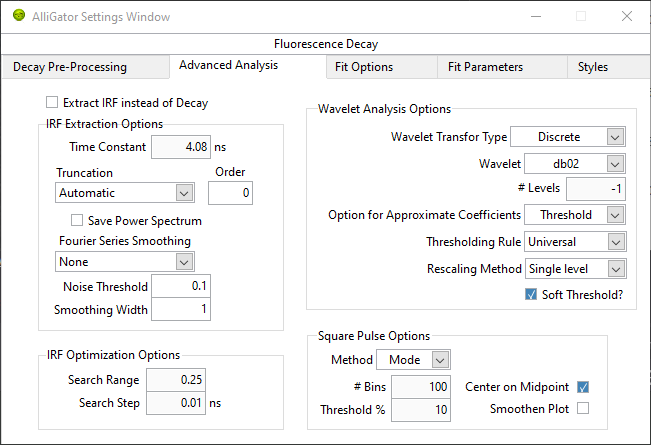
Fit Options
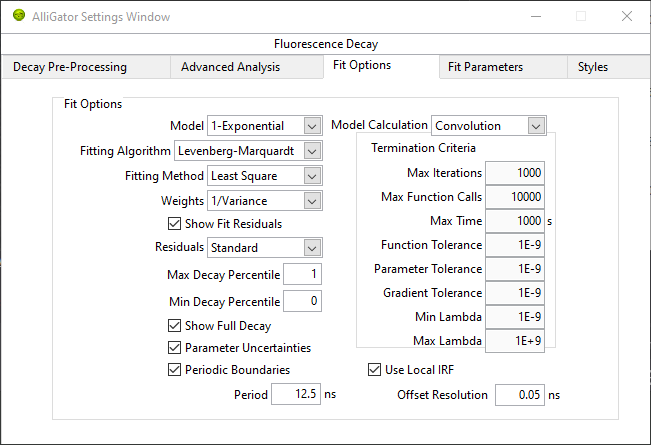
Fit Parameters
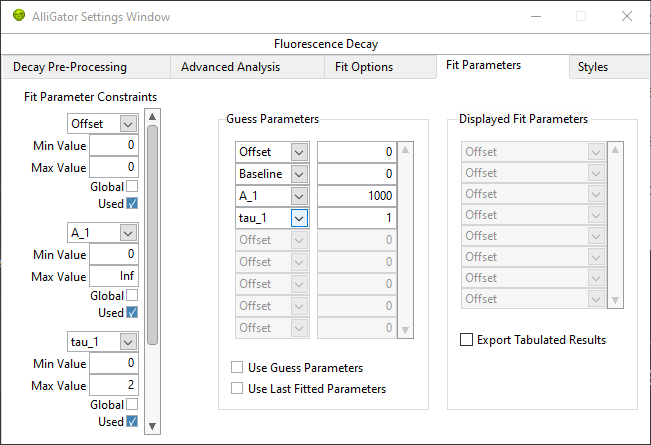
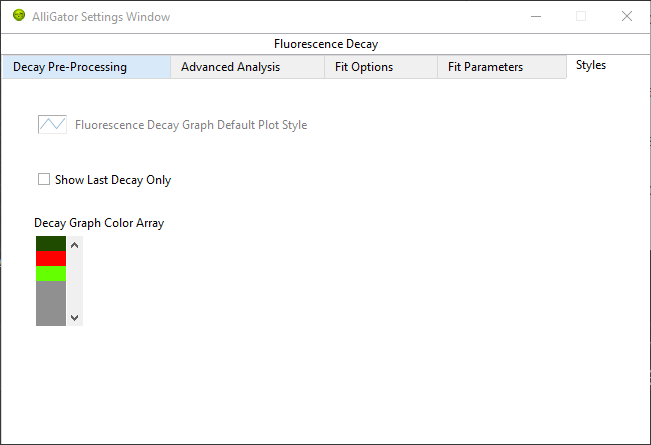
Styles
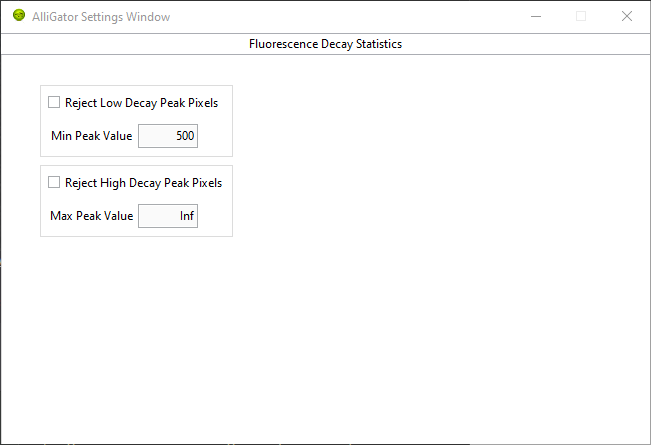
Fluorescence Decay Statistics
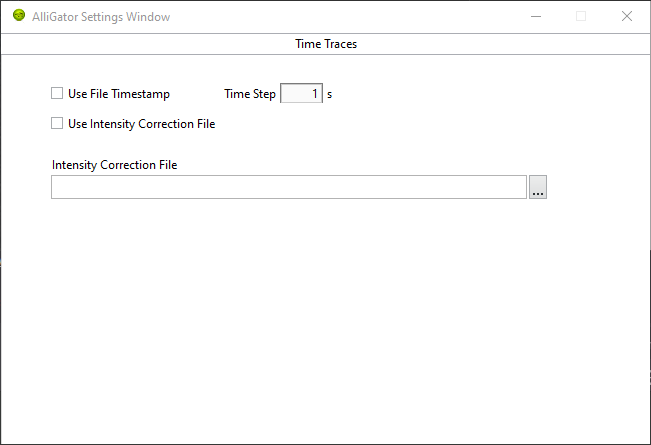
Time Traces
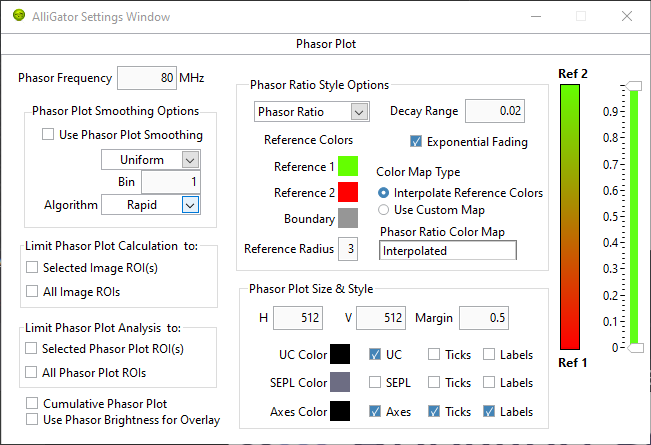
Phasor Plot
Phasor Graph
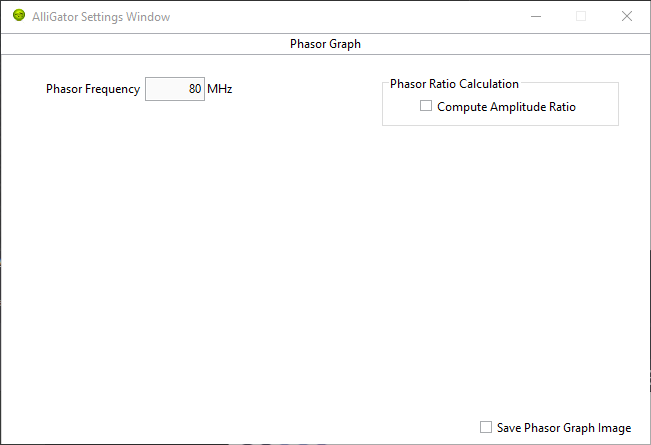
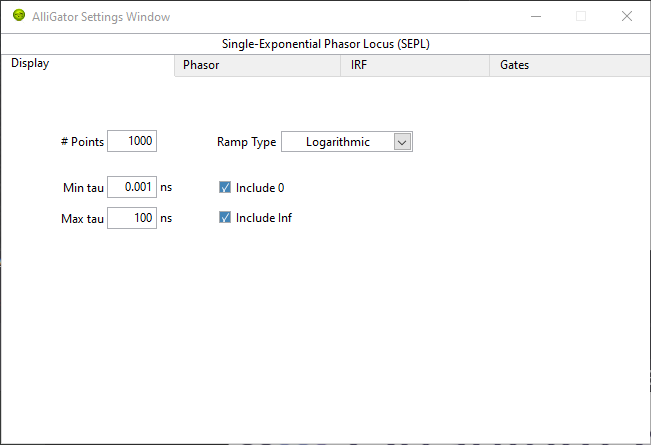
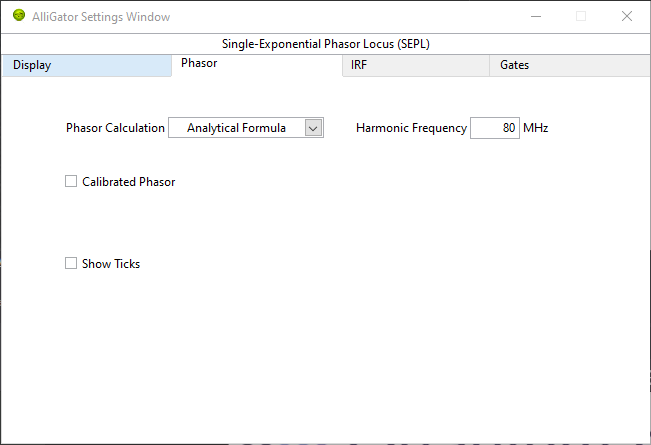
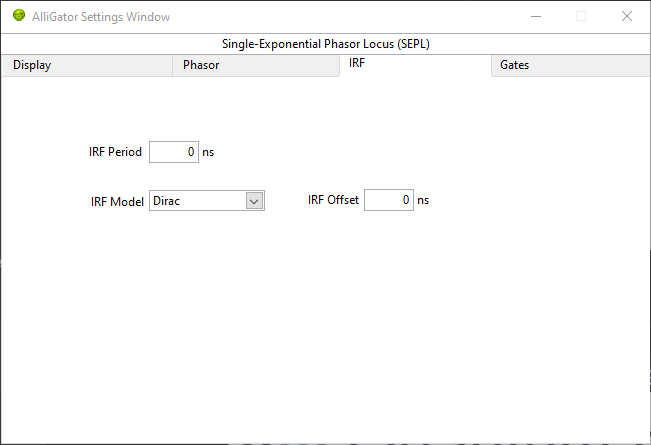
Single-Exponential Phasor Locus (SEPL)
Display
Phasor
IRF
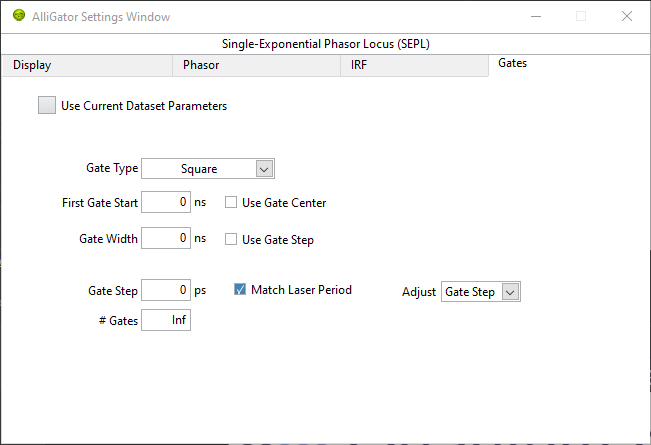
Gates
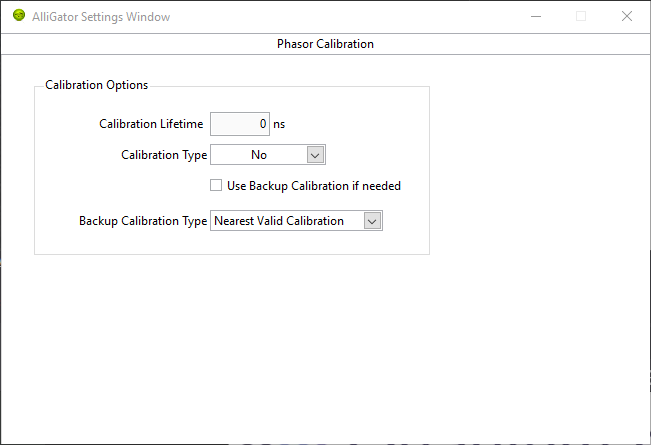
Phasor Calibration
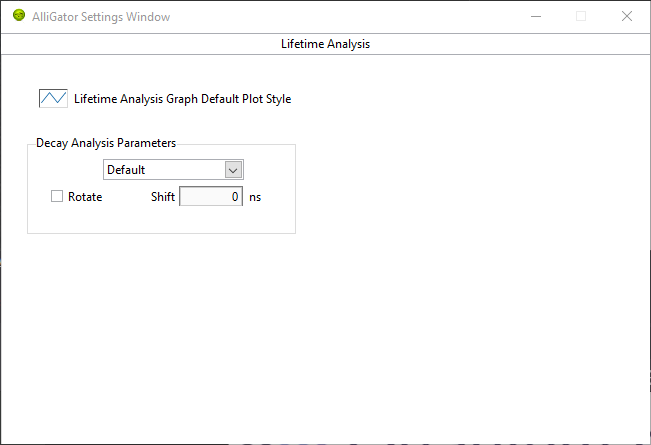
Lifetime Analysis
Miscellaneous